Posts

Showing posts with the label Seesaw

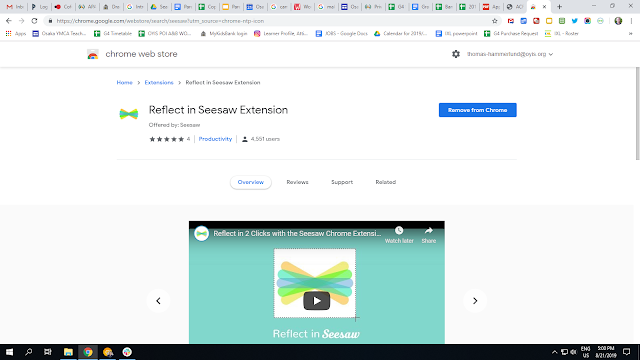
Seesaw Chrome Extension for Students
Image
Seesaw offers students the ability to annotate images in the app. But, it can be a painful process to save images and then upload them to Seesaw. This extension lets students take a screenshot and upload the image to Seesaw in two clicks. Give it a try!

Add a Teacher in Seesaw

Image
I was recently asked by a teacher to add her to my class. Although I am a SEESAW AMBASSADOR, I had never done this before. I opened Seesaw and read the screen. The wrench in the upper-right side is where you can edit the settings. When you click the wrench, it opens the Class Settings. The third option is to Manage Teachers .  After you click Manage Students, you are presented with an option to invite a teacher.